.svg)

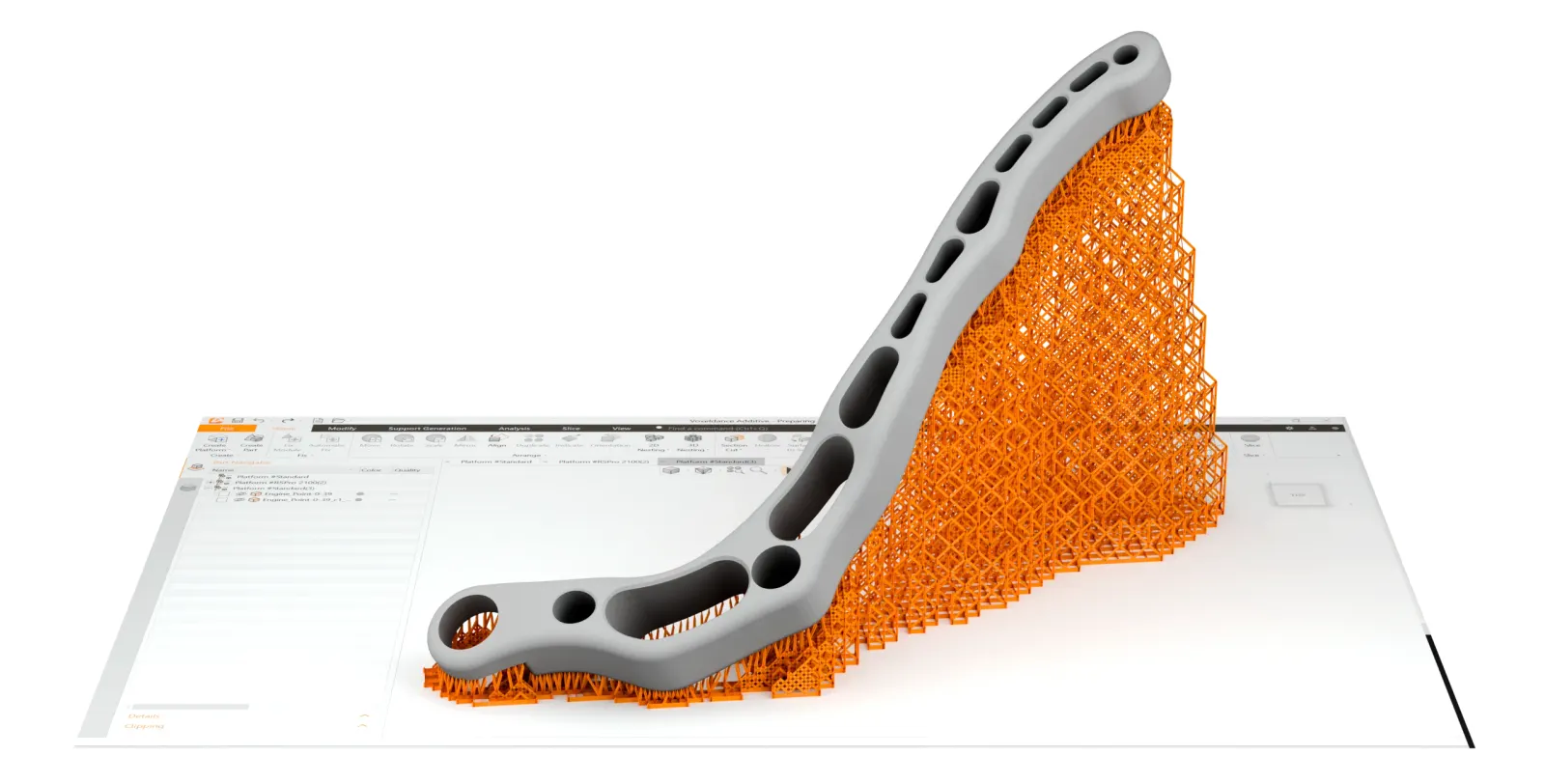
HeyGears Blueprint Studio
Model to print file in about ten minutes.
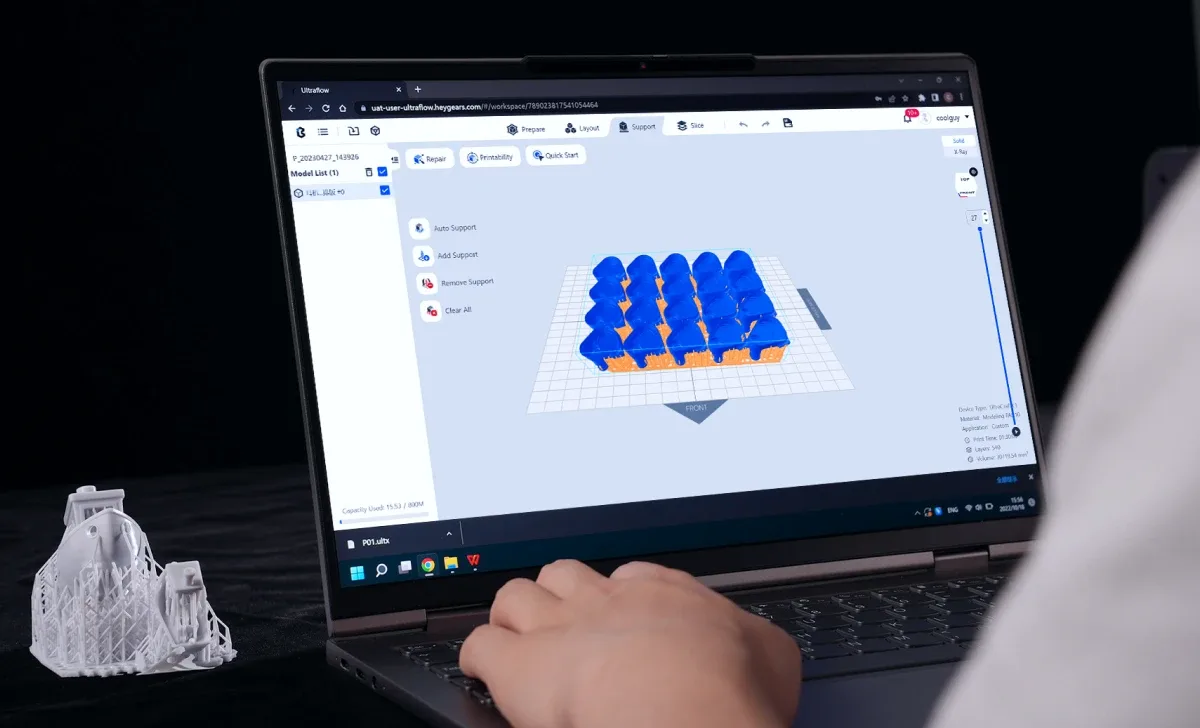
Prepare, lay out, add supports and slice, with the printing strategy matched to your resin. Ten minutes is HeyGears’ own figure.
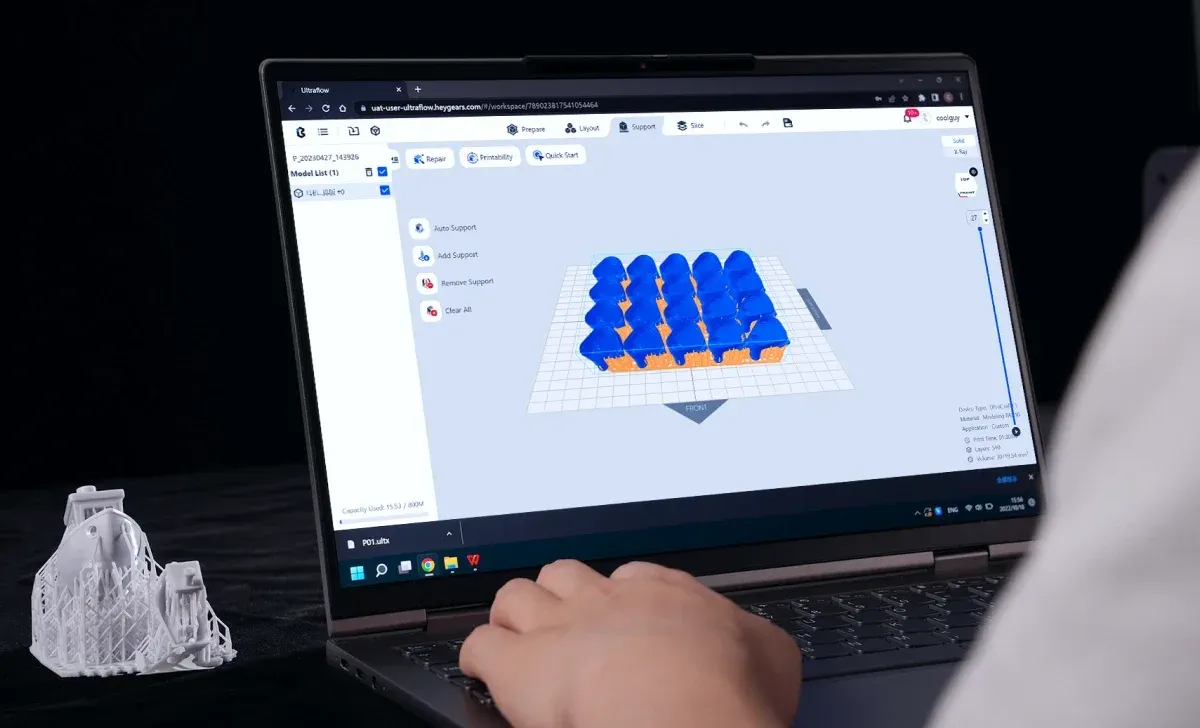
HeyGears · Print preparation software
HeyGears Blueprint Studio
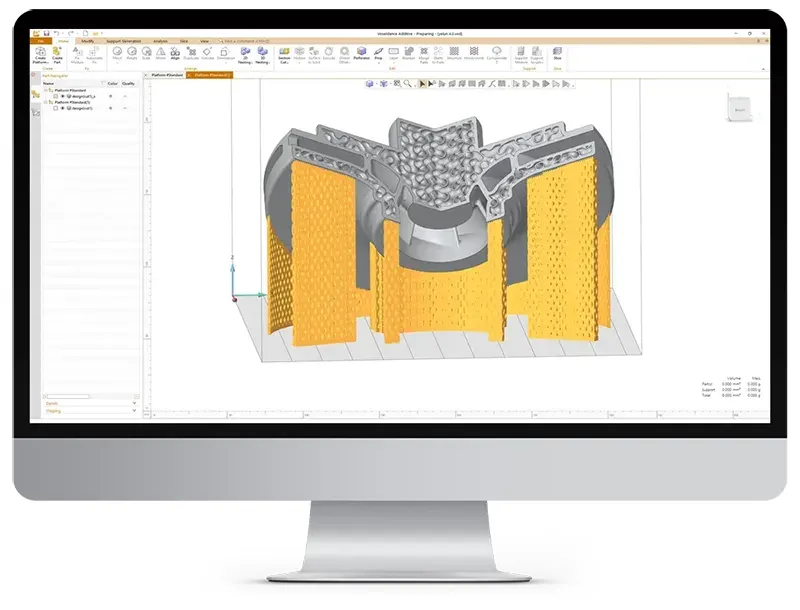
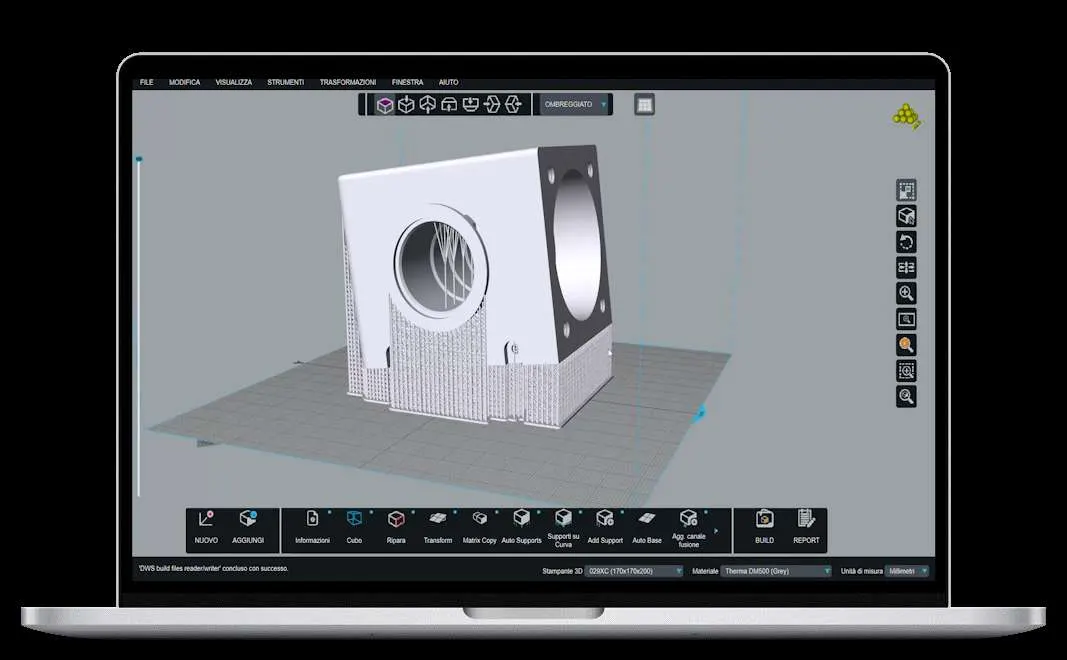
HeyGears’ desktop software for the Reflex series. Blueprint Studio turns 3D models into print files, matches the printing strategy to your material, then lets you send jobs to your 3D printers, watch their progress or update them from anywhere.
 More from HeyGears
- Pre-processing, HeyGears figure
- 10 min
- Print success rate, HeyGears figure
- 98%
- Average learning curve
- 60 min
Free from HeyGears, no licence to buy
- Supplied and supported in the UK by 3D Printworx
- Runs on Windows 10 or later and on macOS
Intelligent analysis to ensure printability
Blueprint Studio checks each model before it prints, then repairs or adjusts what it finds.
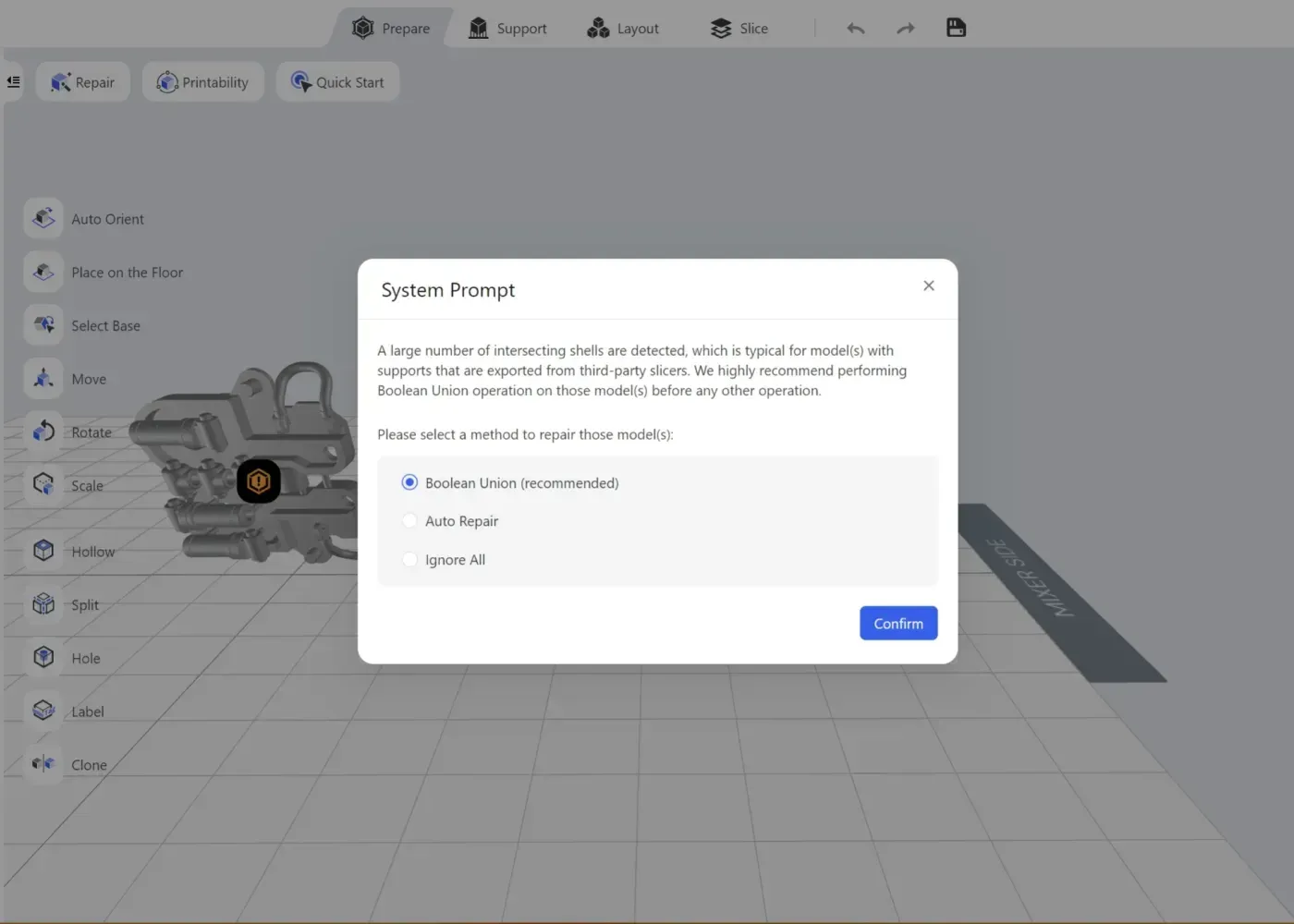
Defect detection and repair
Finds reversed normals, isolated, intersecting, missing or overlapping faces. It offers a Boolean union or an automatic repair.
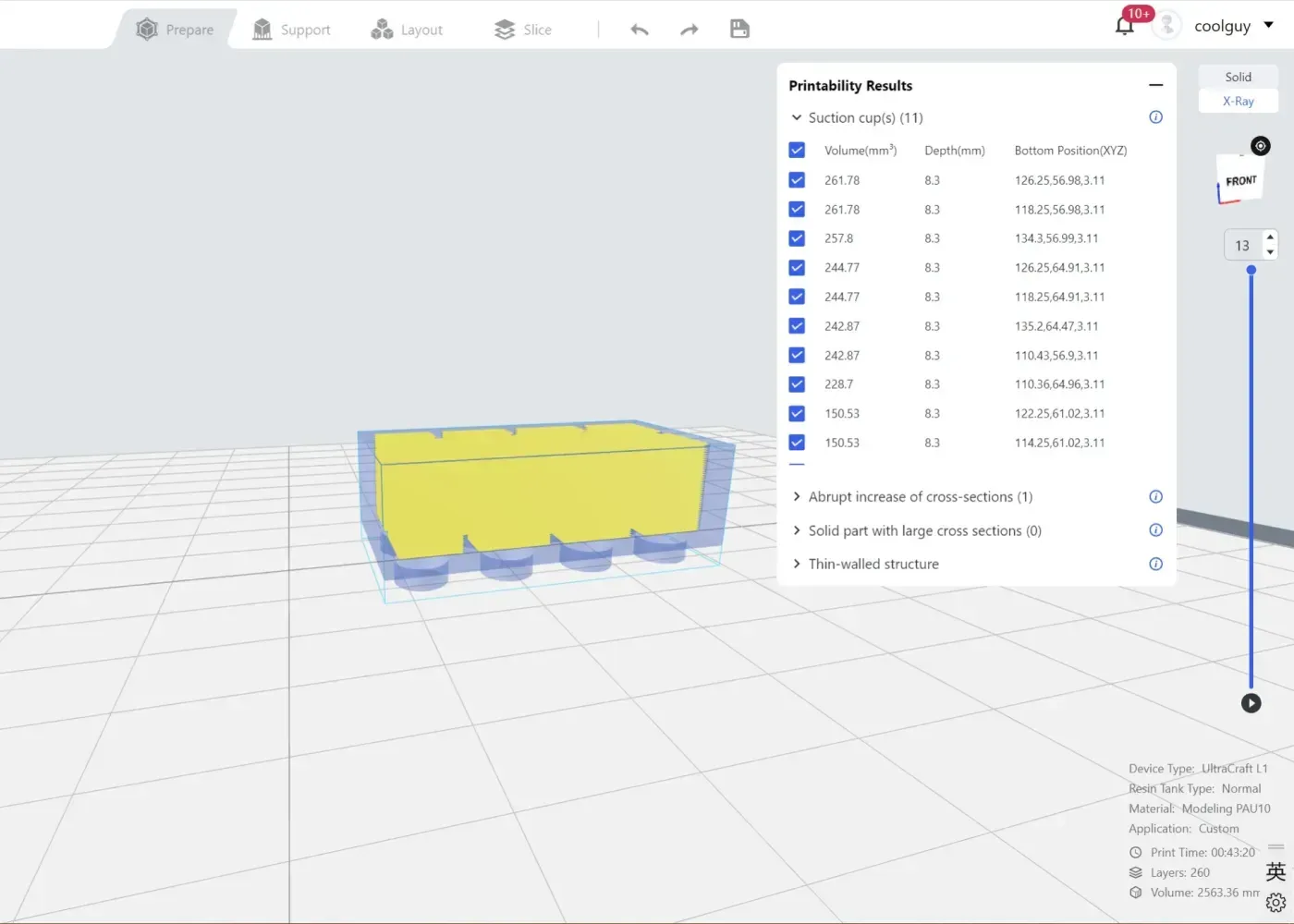
Printability check
Flags suction cups (closed inner spaces), inverse fillets, cantilevers, large cross-sections or thin walls before you print.
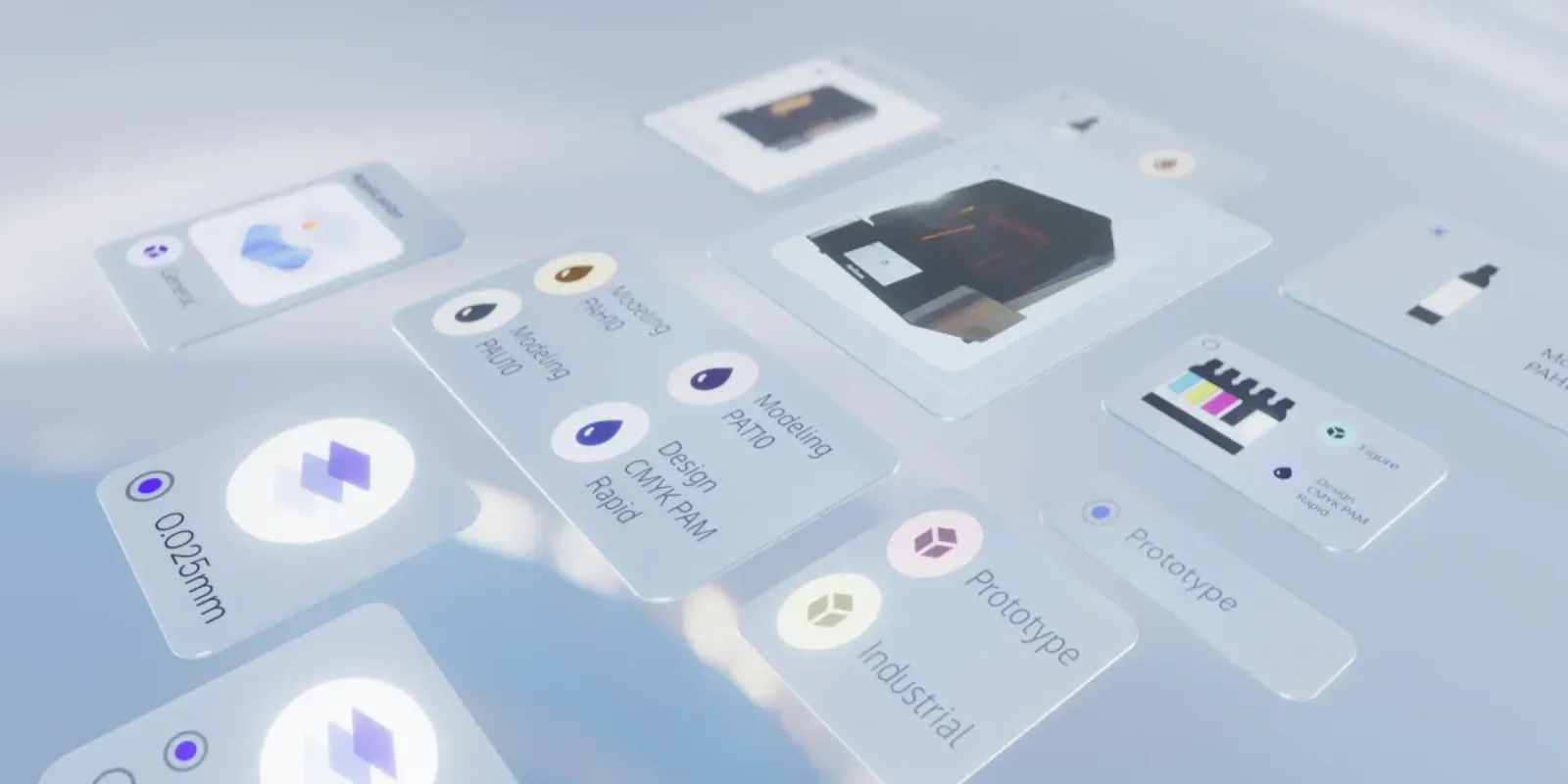
Parameter optimisation
More than 10,000 simulations behind the parameters Blueprint sets for each print.
Connect and manage anywhere
The desktop software, web platform and Blueprint Go mobile app let you monitor your devices from anywhere.
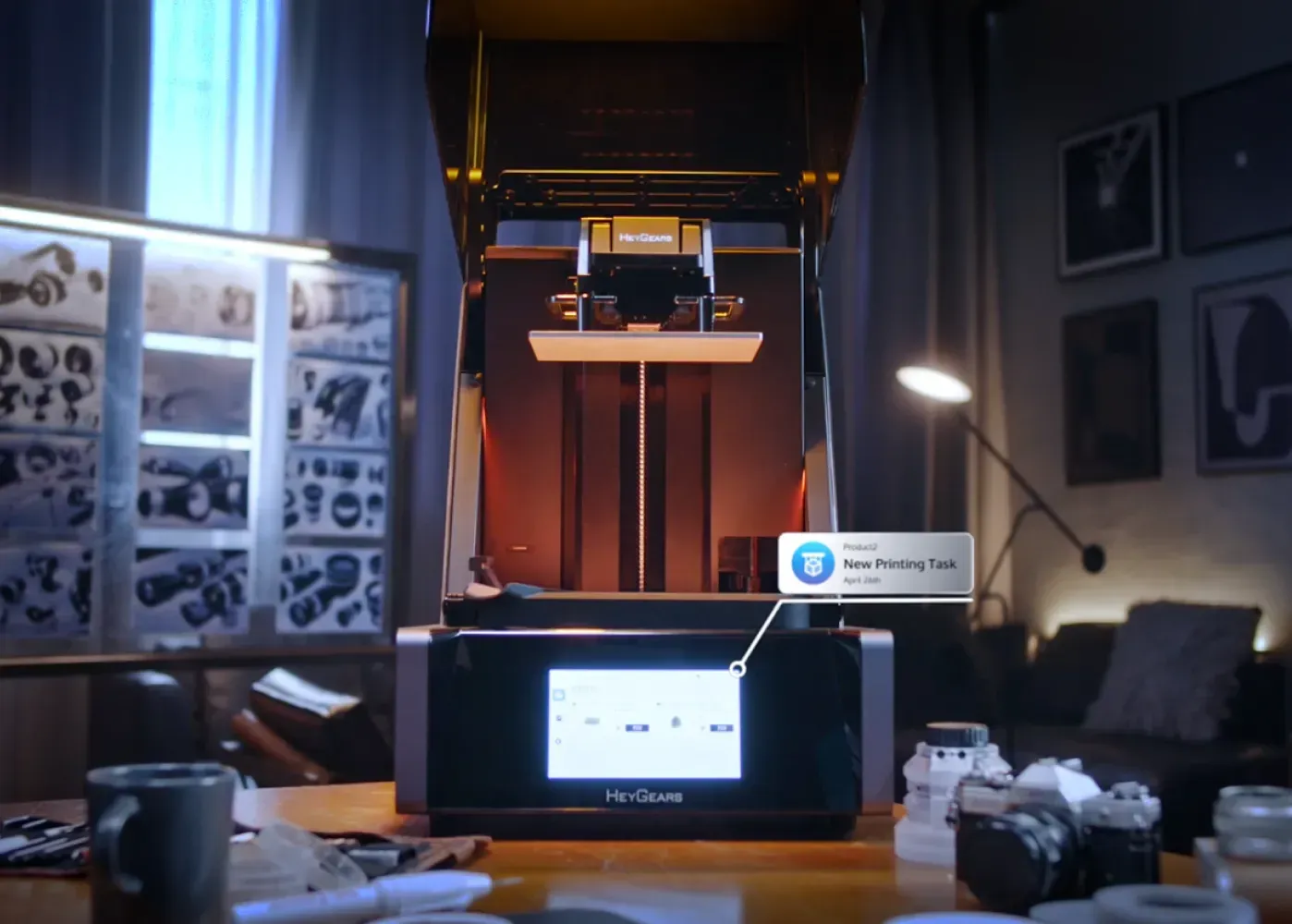
Cloud task assignment
Send print jobs then start printing from anywhere, on your PC or your phone.
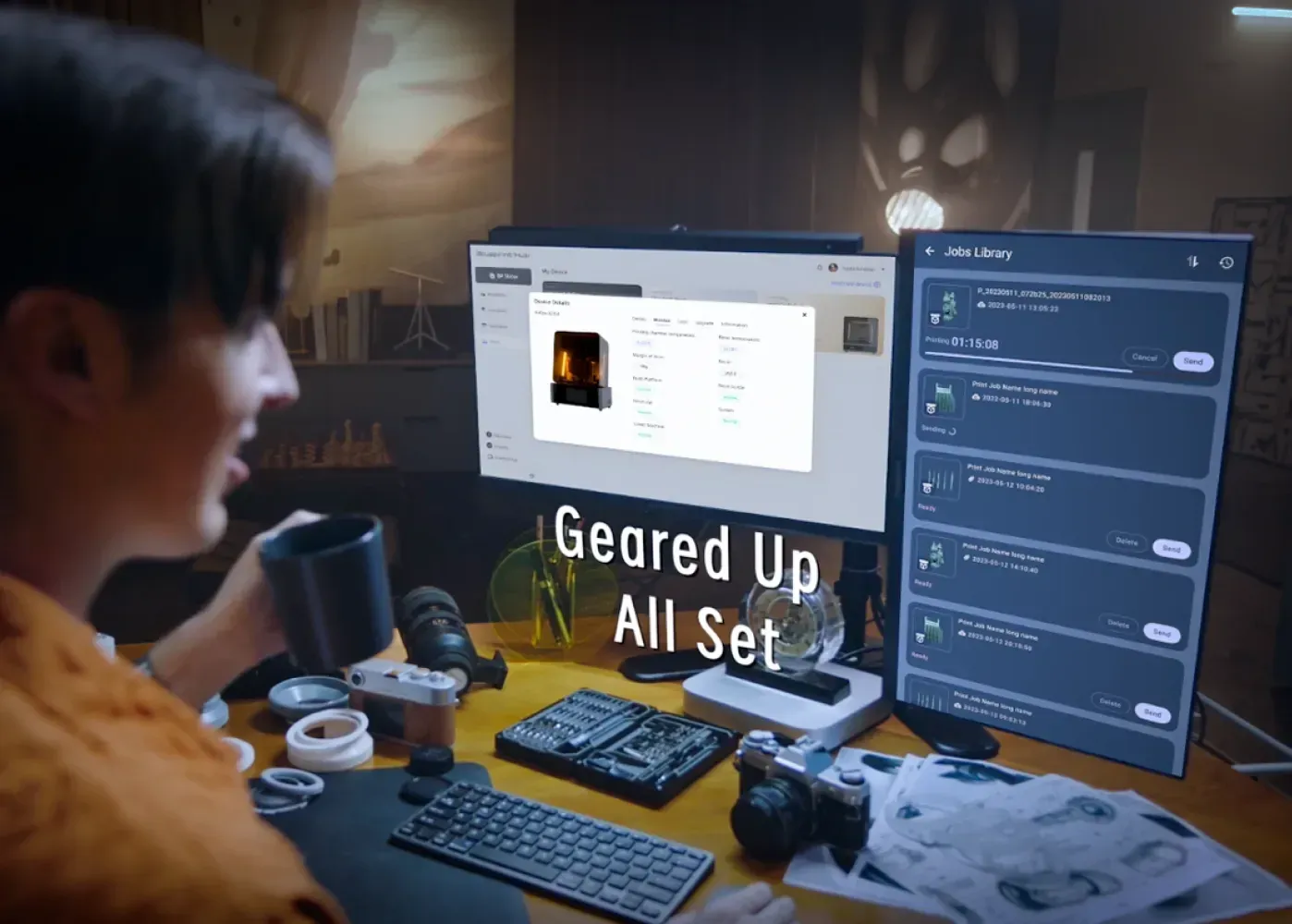
Print monitoring and status updates
Follow each device’s status with every job’s progress in real time.

OTA updates
Over-the-air updates keep your 3D printers up to date with the latest Blueprint printing strategies.
The 3D printers it runs
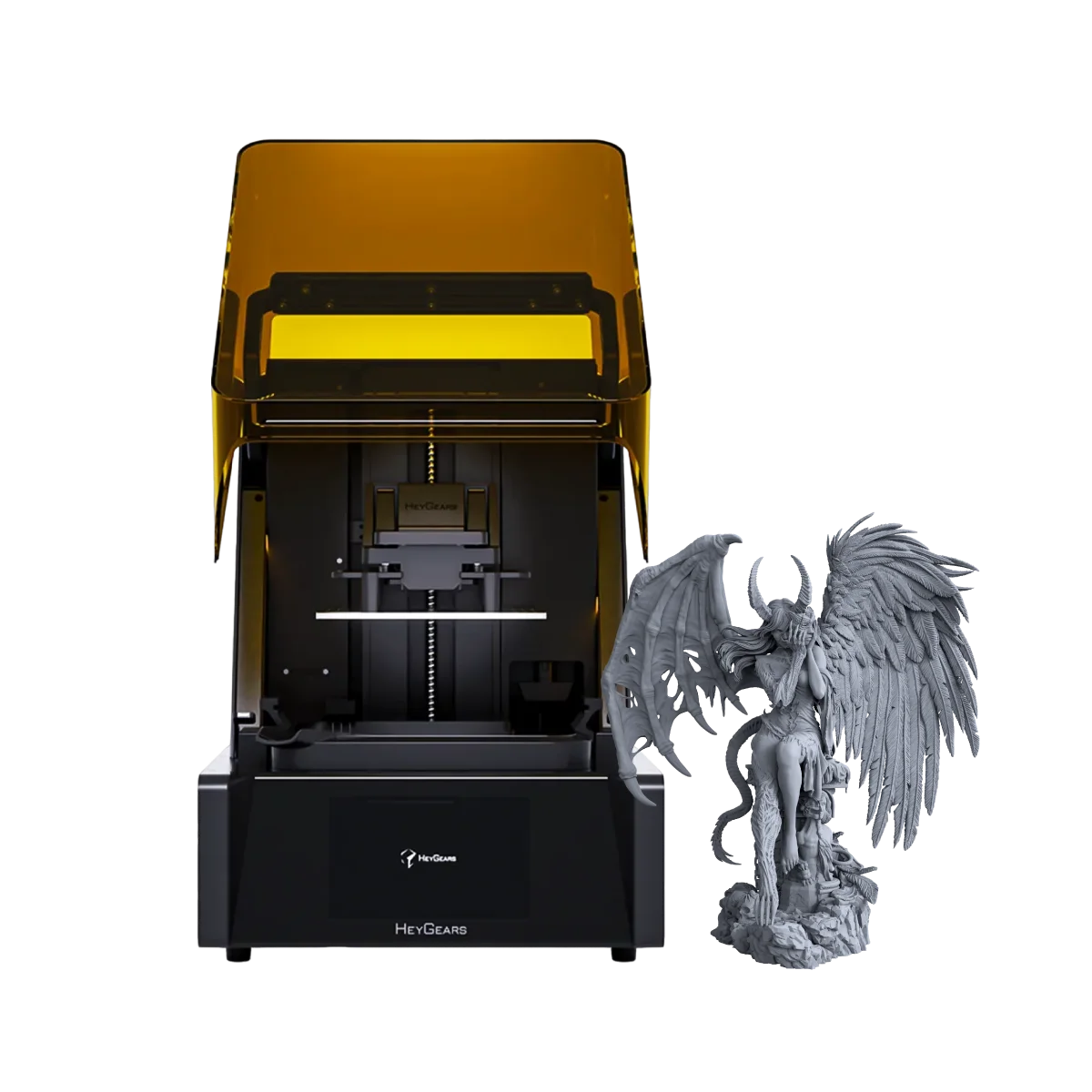
Blueprint Studio prepares print files for every Reflex 3D printer.
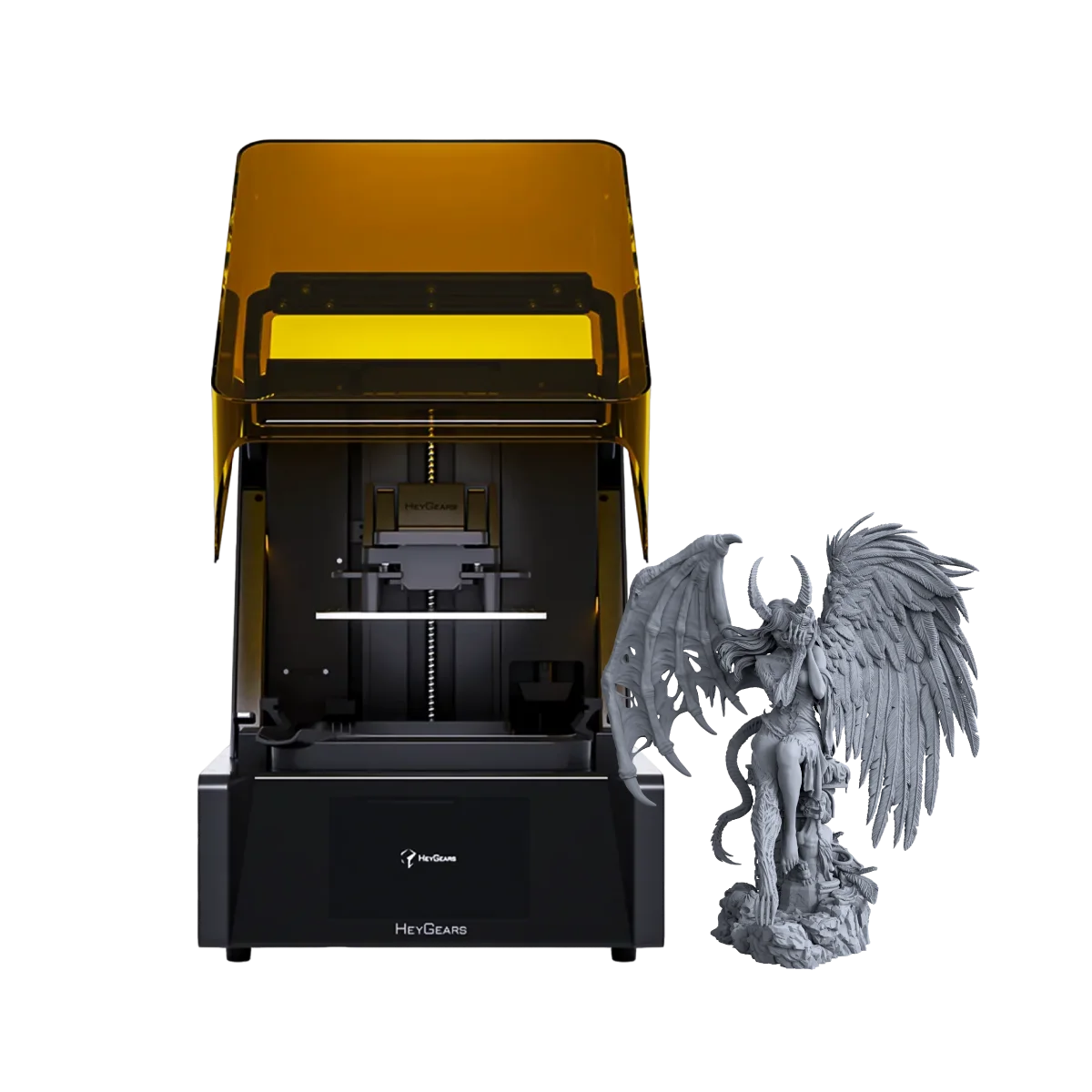
The original of the Reflex line, running the full UltraPrint resin range.
£1,199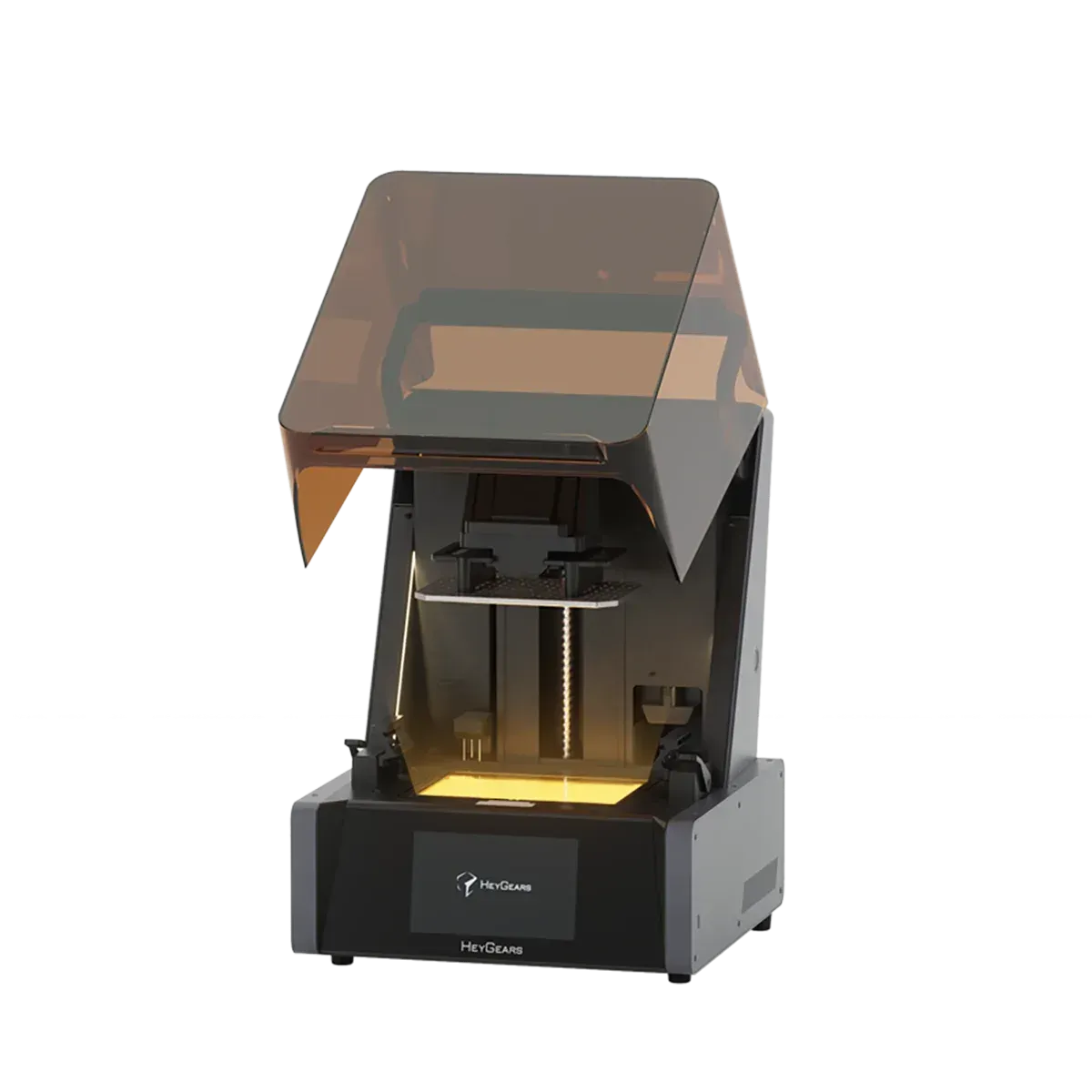
The Turbo revision of the original Reflex.
£1,299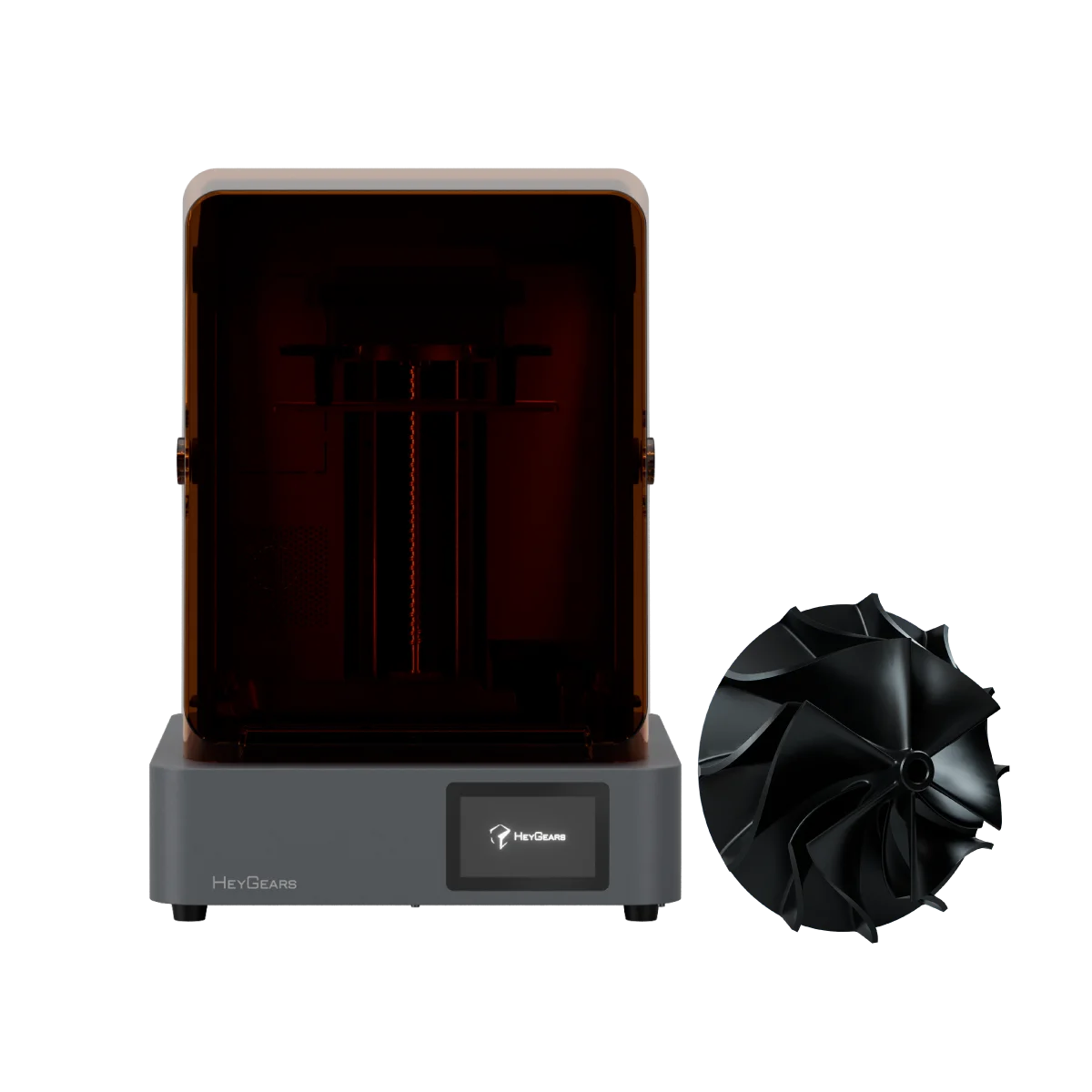
Engineering and prototyping system with a 161-zone OptiZone light engine.
£1,529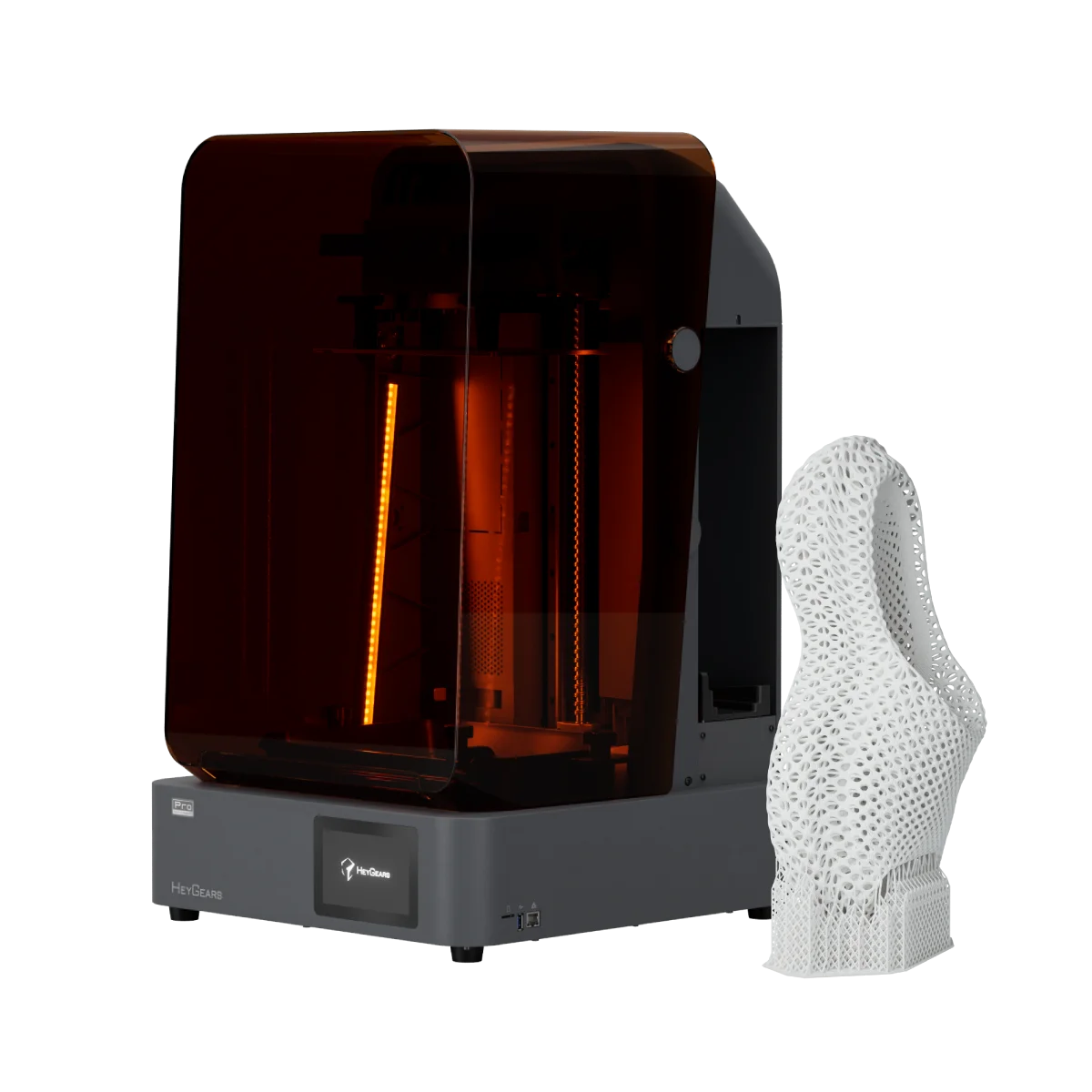
The flagship production system, with a 230 × 144 × 350 mm build volume.
£2,549Questions about Blueprint Studio
Is Blueprint Studio free?
Yes. HeyGears gives Blueprint Studio away for Windows and Mac, with no licence to buy. Enter your name and email at the top of this page for the download.
Which devices does Blueprint Studio work with?
It prepares print files for the HeyGears Reflex series. It also manages jobs on HeyGears washing or curing units.
Does it run on a Mac?
Yes. HeyGears makes versions for Macs with Apple M-series processors as well as for Macs with Intel processors. The Windows version needs Windows 10 or later.
Do I need an internet connection?
Remote access, control or scheduling need the computer to stay online. You can also use the slicer without logging in, then print from a USB drive.
Can I use third-party resins?
The Print Process Editor in Open Material Mode opens the key exposure settings for third-party 405 nm resins. HeyGears supports it on the Reflex RS and RS Turbo so far, with other Reflex models in development.
What is Blueprint Go?
The Blueprint Go app for Android or iOS monitors your prints from your phone. It does not slice, so files are still prepared in Blueprint Studio.